



.svg)
.svg)
The end of Manual Point Cloud Tracing
Use Nest3D software to Get
Architect-Grade results, every time.
automation and an expert team
Powered by AI-Engine to create
As-Built deliverables from point cloud
The industry-leading scan-to-BIM solution
14+ YRS
8,000+
2,000+
80%
18hr/day
14+ YRS
8,000+
2,000+
80%
18hr/day
.svg)
"The AI handles the repetitive tracing, but I stay in total control of the final logic. It’s the perfect balance of speed and my own personal touch."

Oliver Vance
Principal Architect, Gridline Studio

"I just upload raw scan data and get production-ready files back. We're handling way more volume now without adding a single hour to my schedule."

Maya Sterling
BIM Lead, Horizon Builders

"We use the software for small jobs and let the automation handle the massive site scans. It’s like having an extra department on call whenever we need it."

Leo Takahashi
Sr. Surveyor, Precision

Behind The Engine

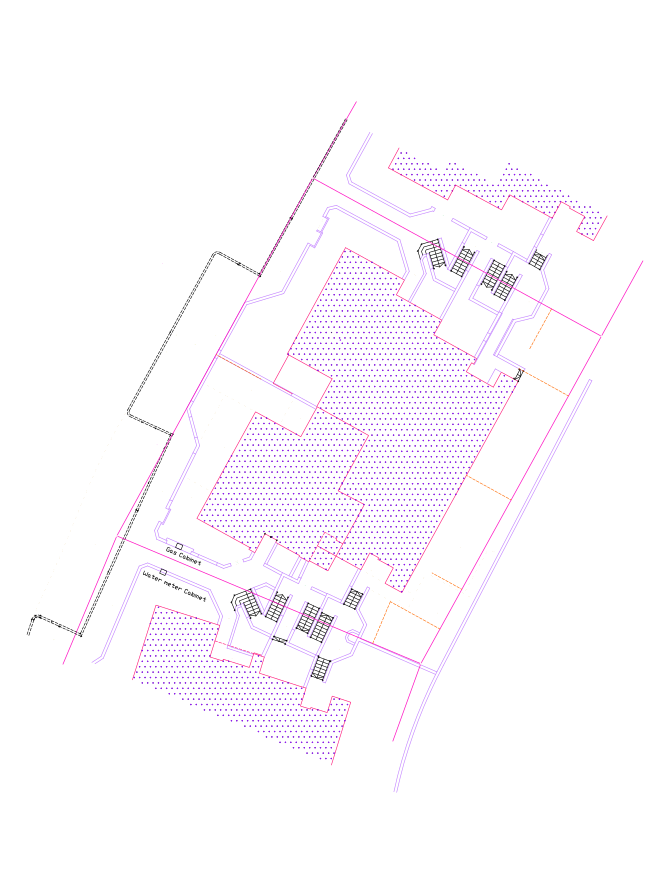
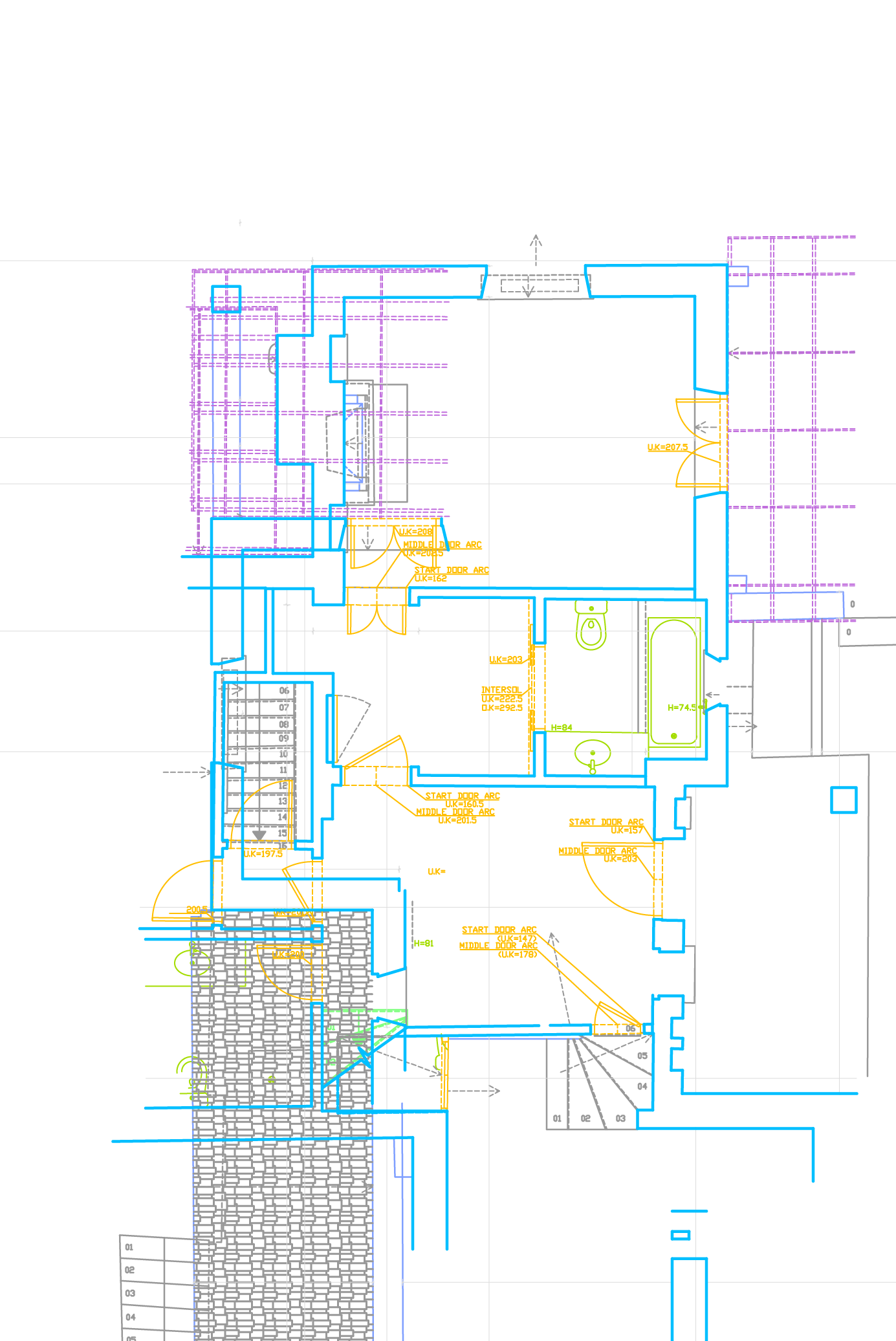
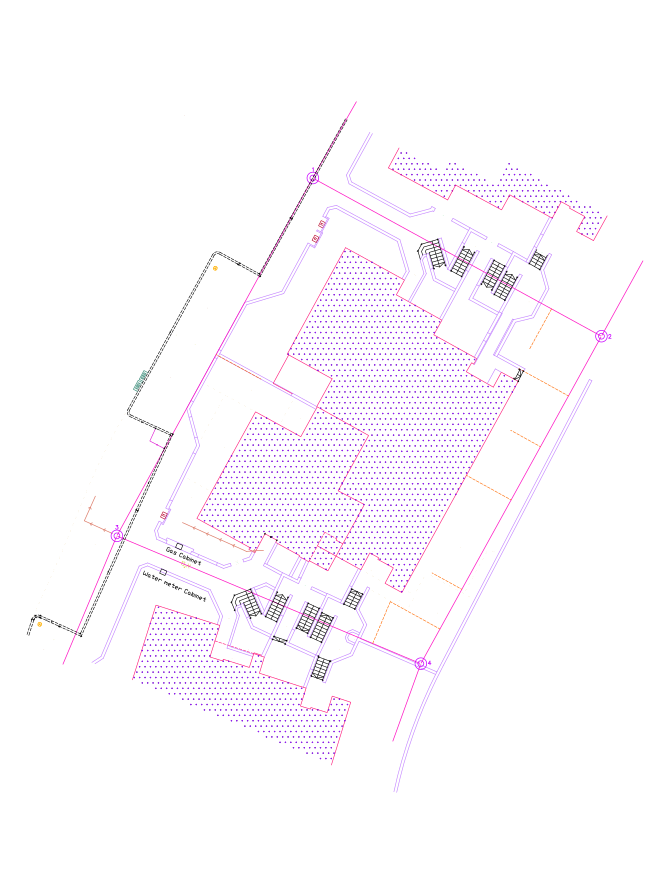
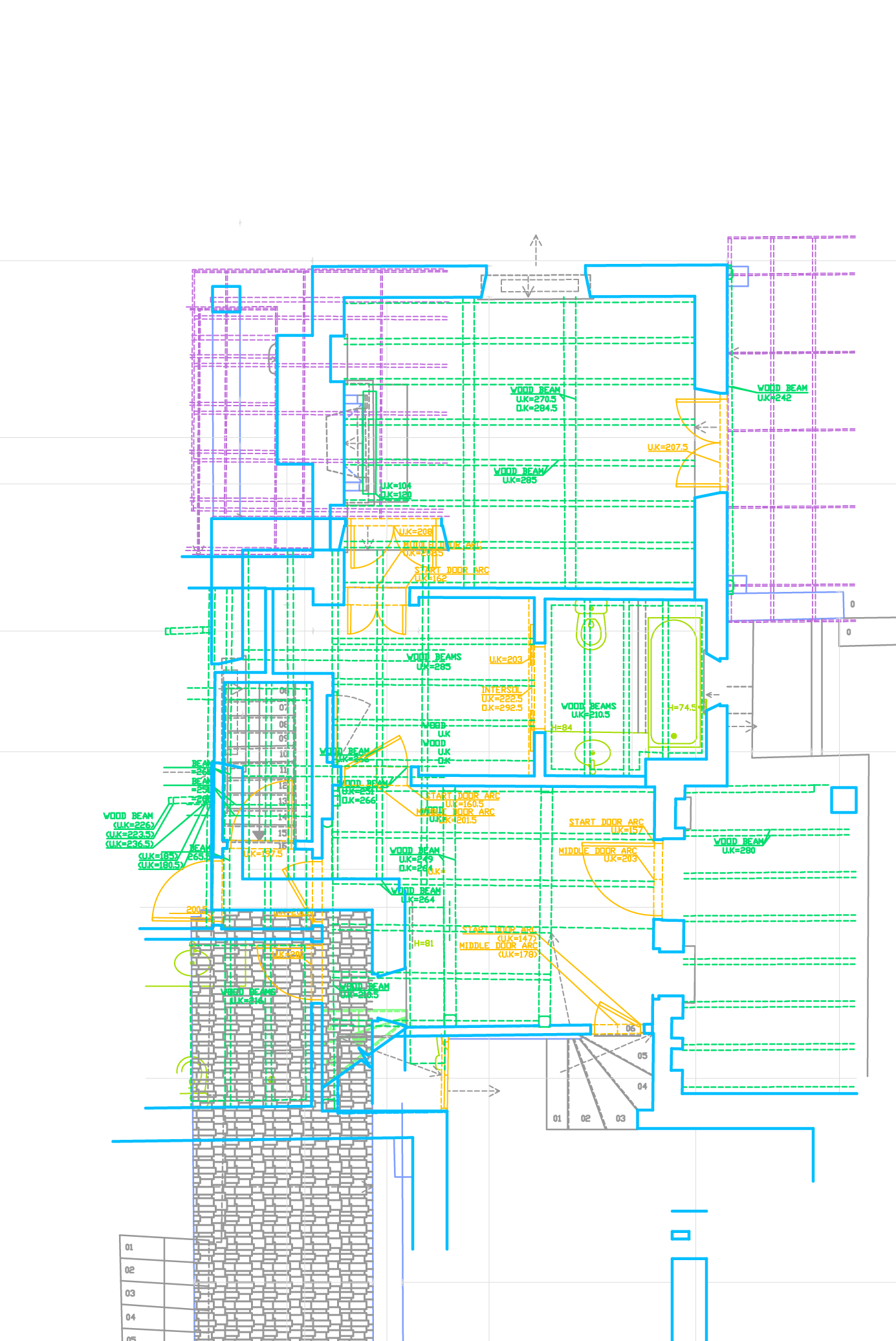
Choose your desired output in the
fully automated process
Consistent output across every project, every client
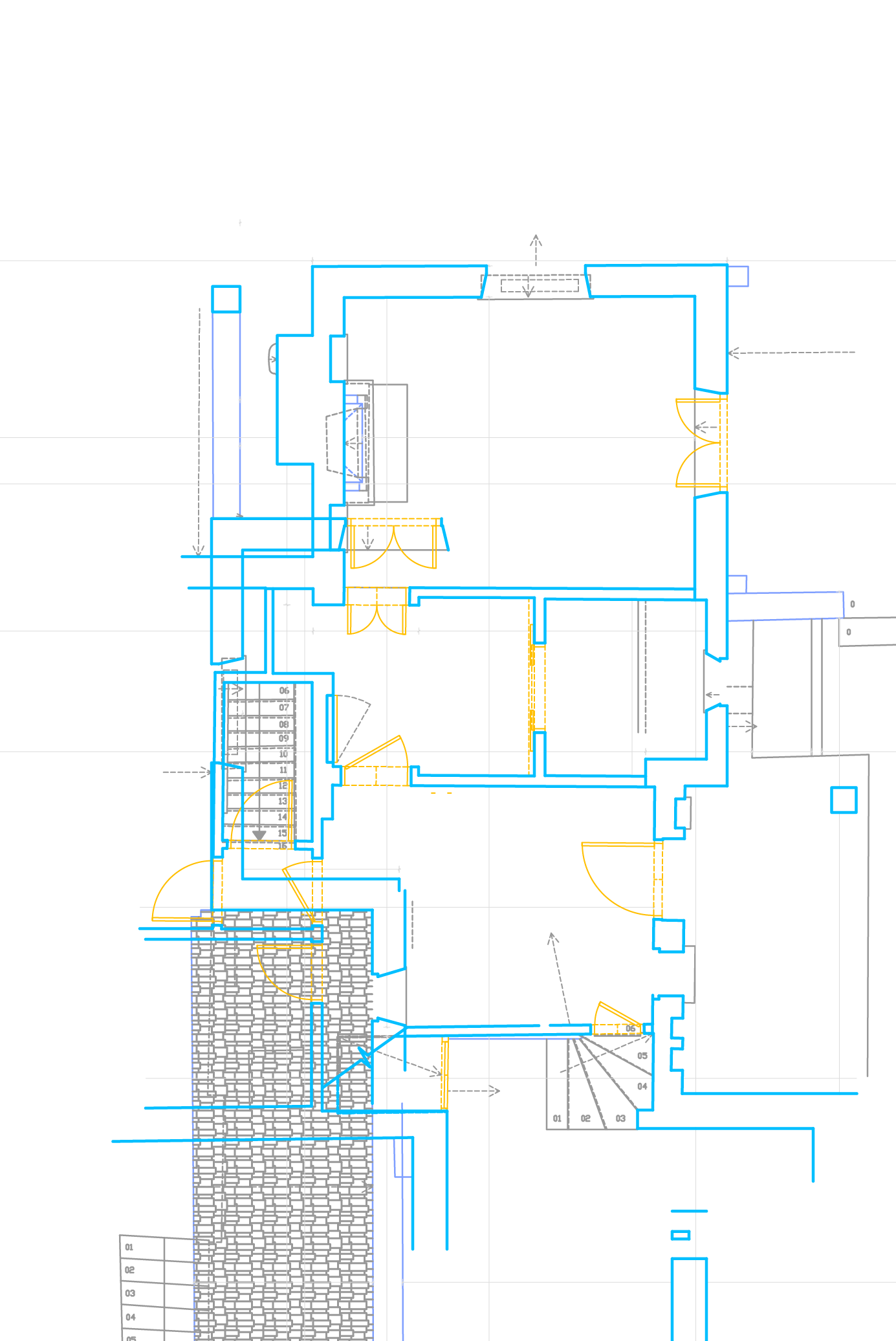
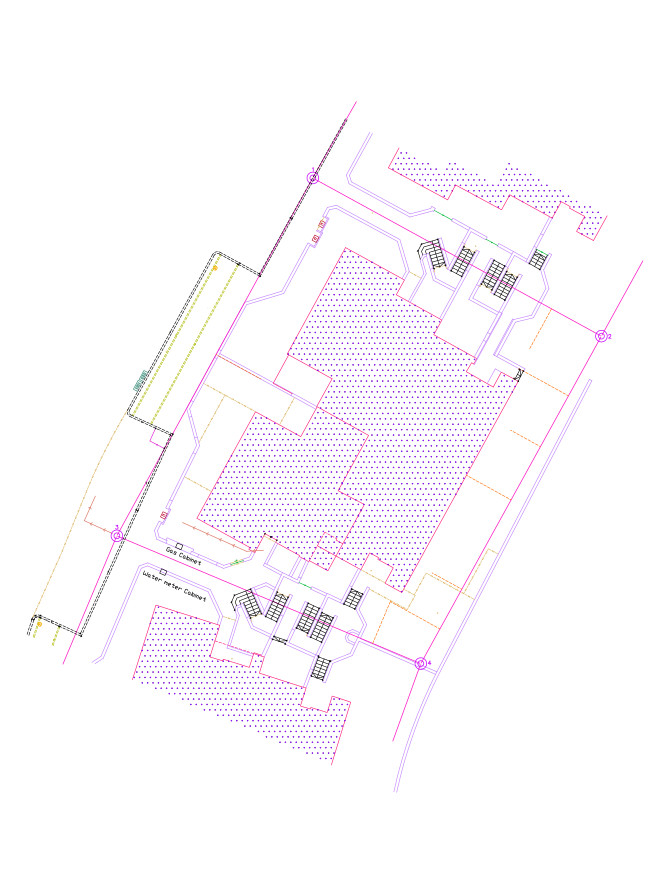
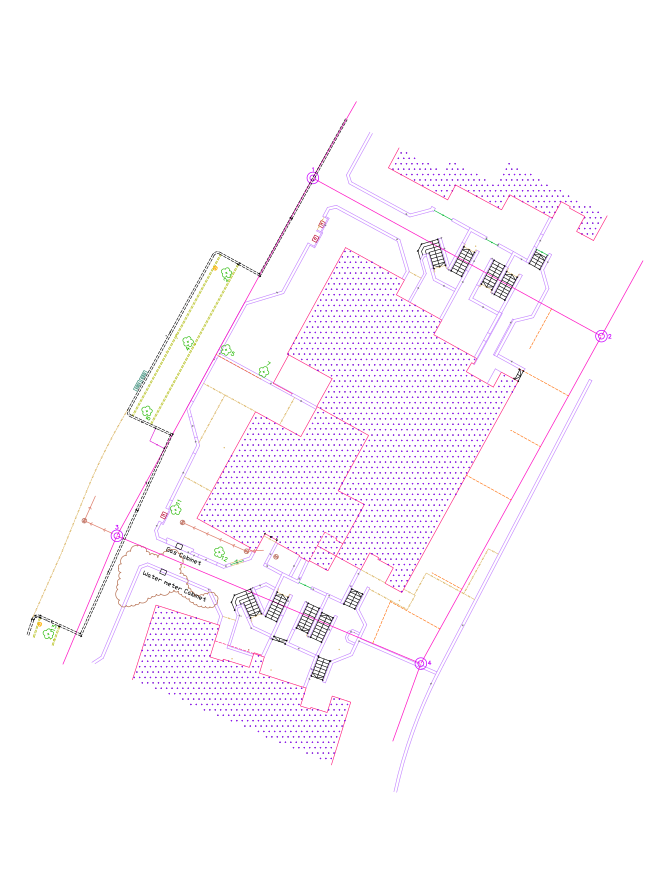
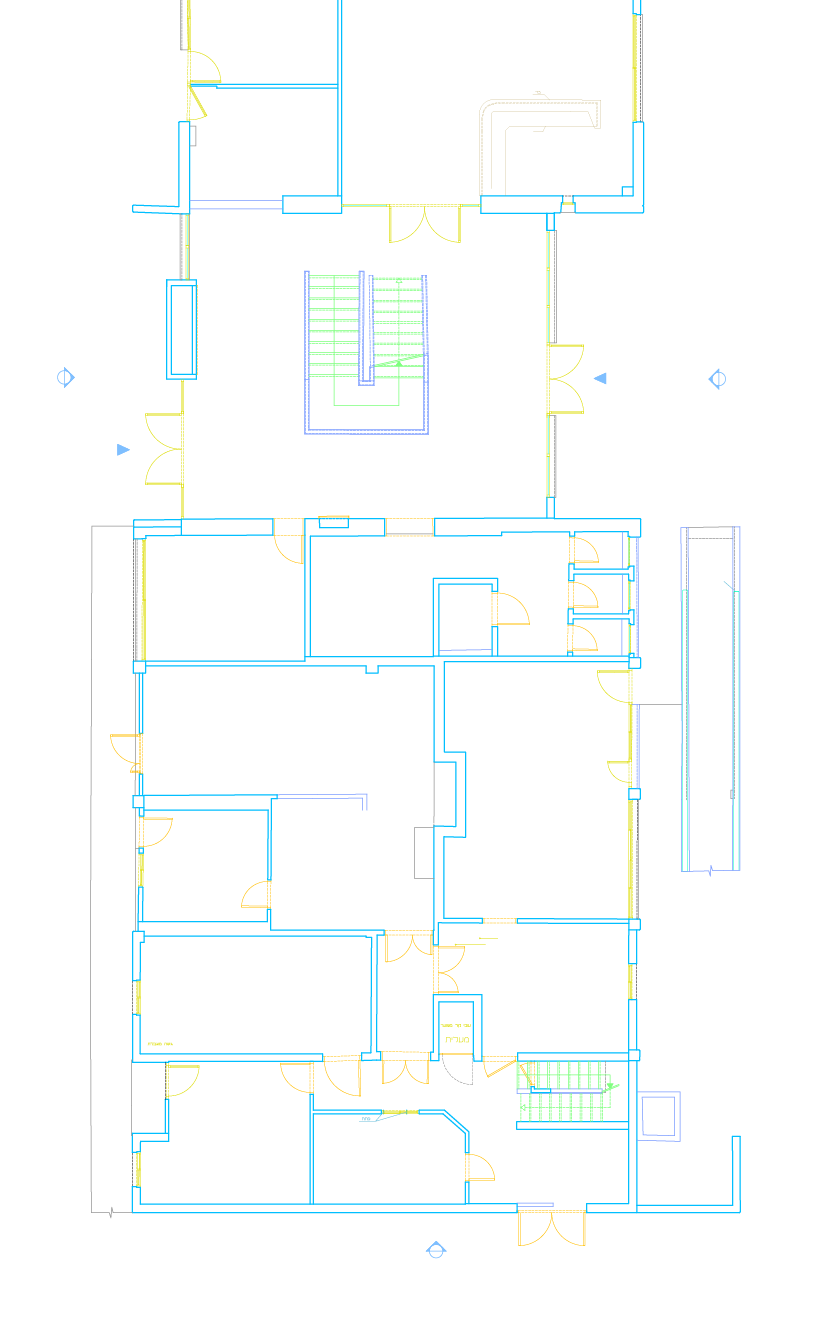
Convert your point cloud scans into precise 2D CAD drawings and floor plans.
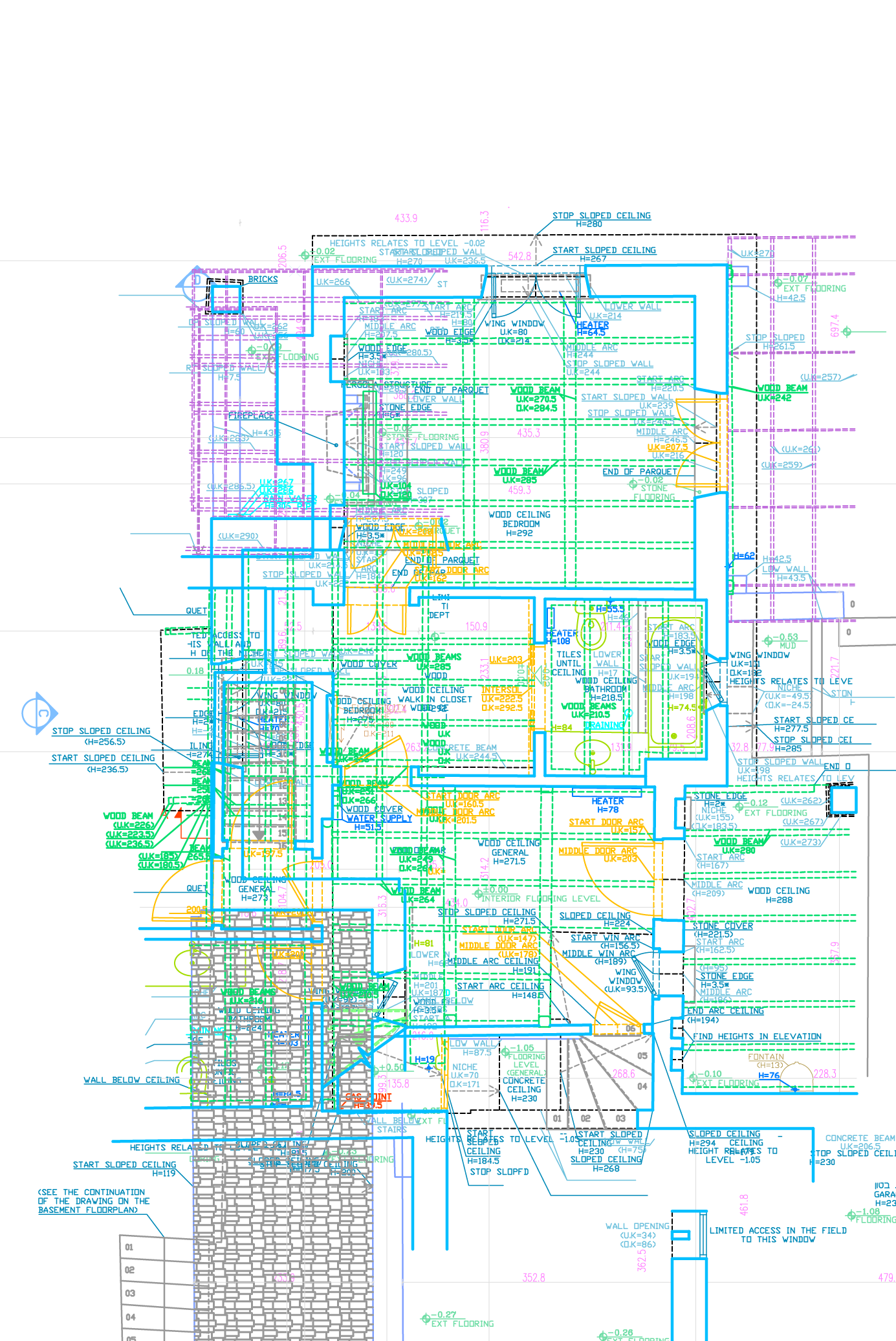
Generate high-accuracy vertical views and building sections directly from 3D data for permit applications.
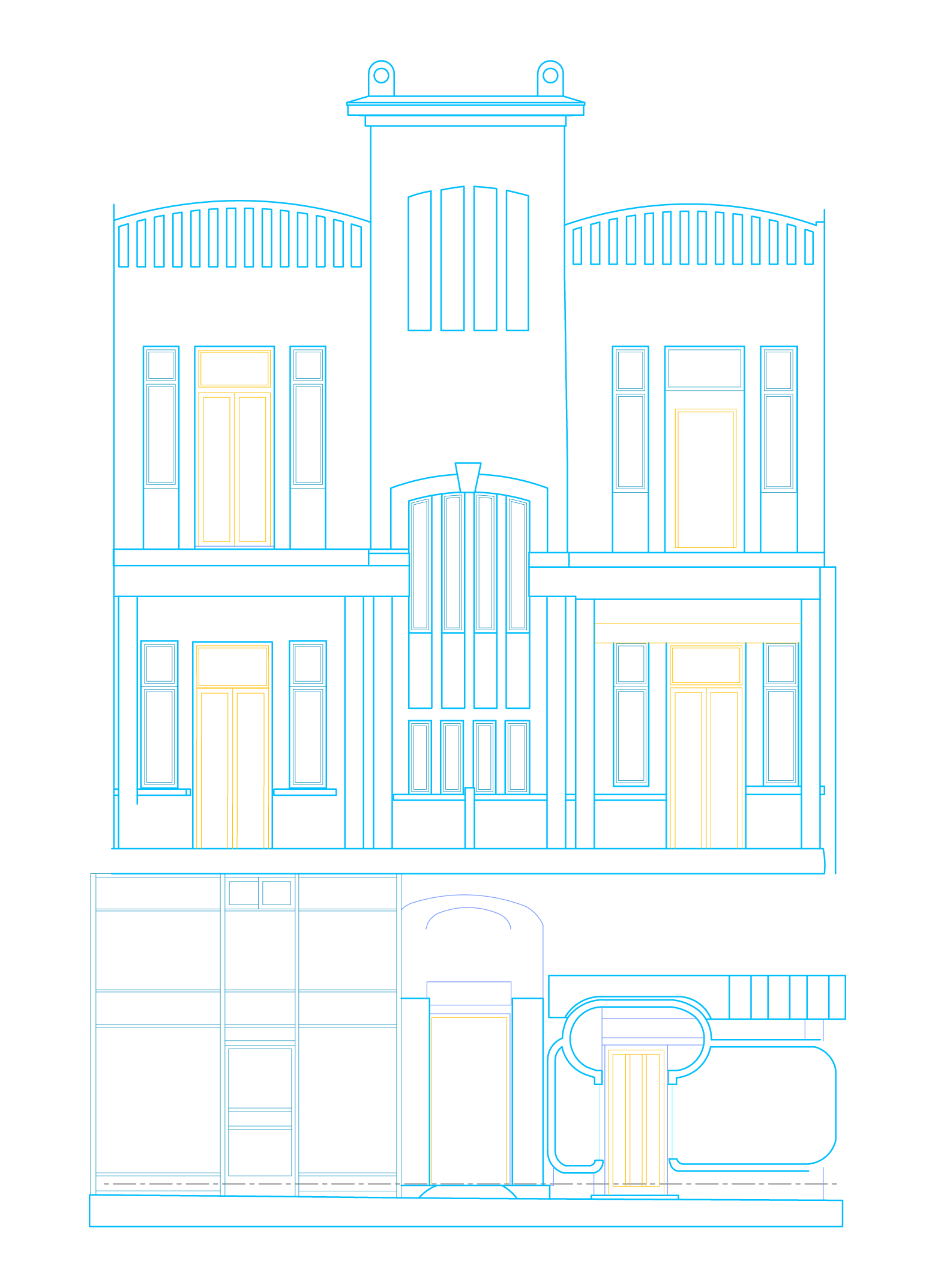
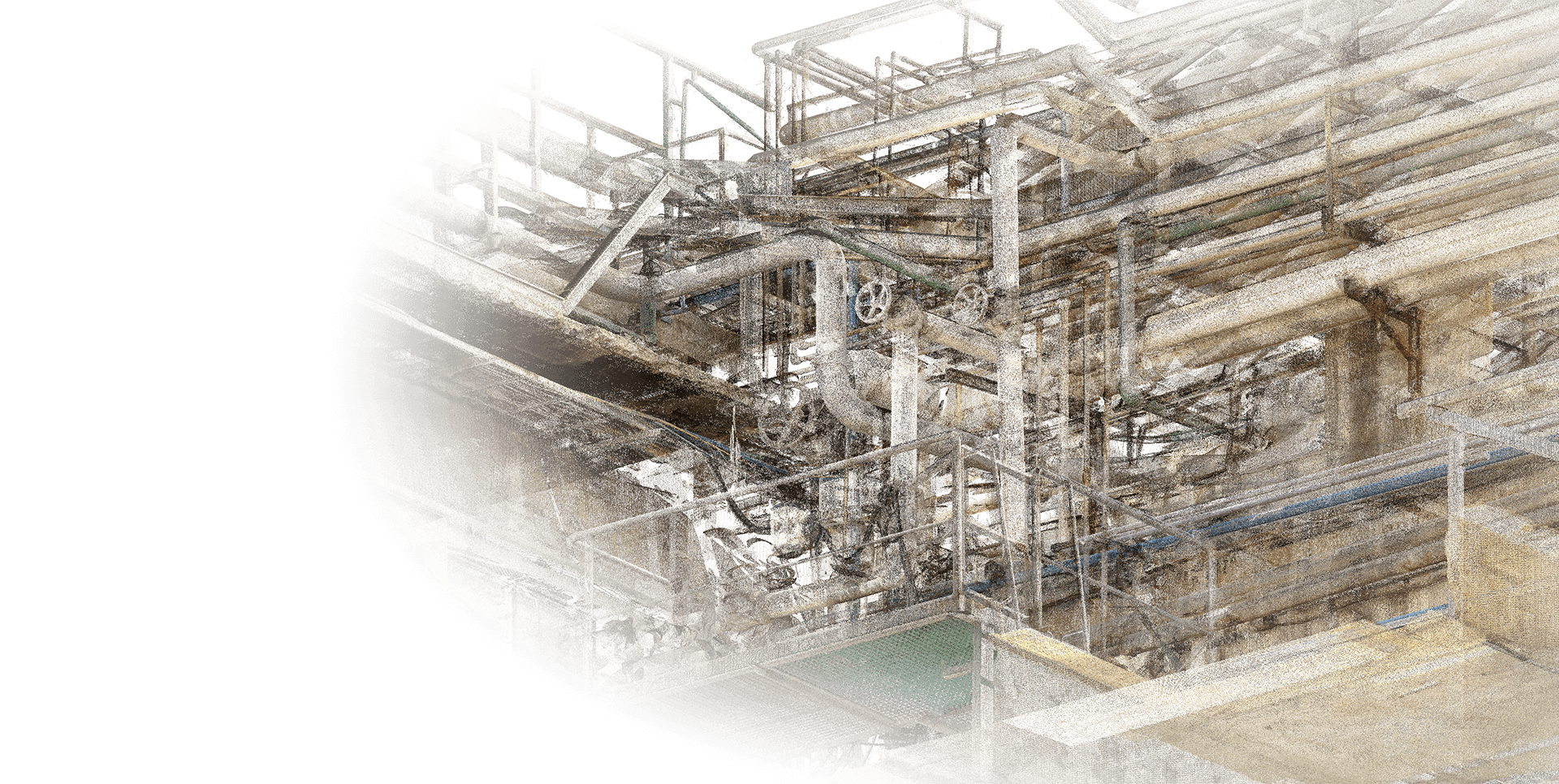
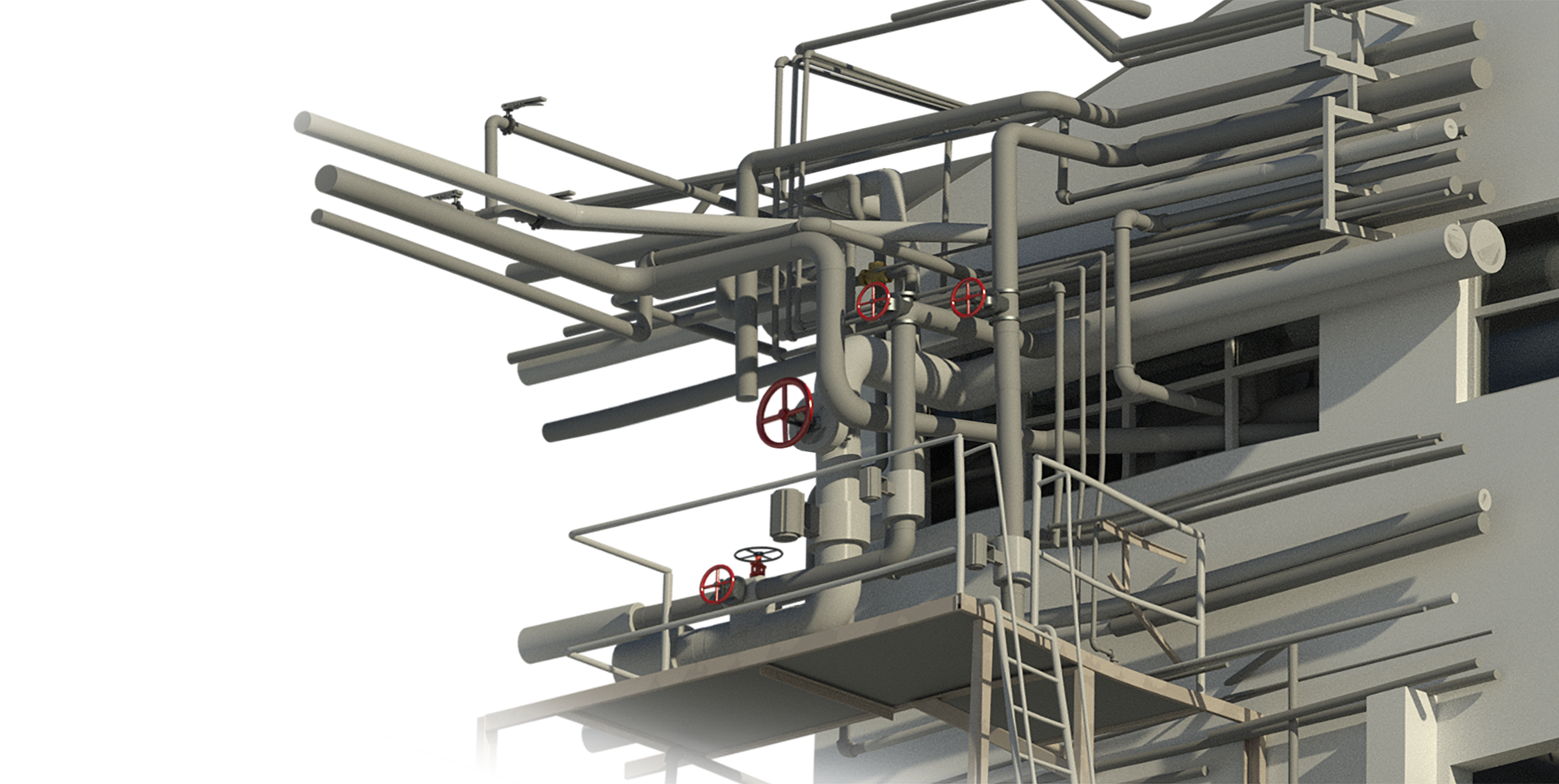
Transform point clouds into detailed 3D BIM models with LOD200 or LOD300.
Convert your point cloud scans into precise 2D CAD drawings and floor plans.
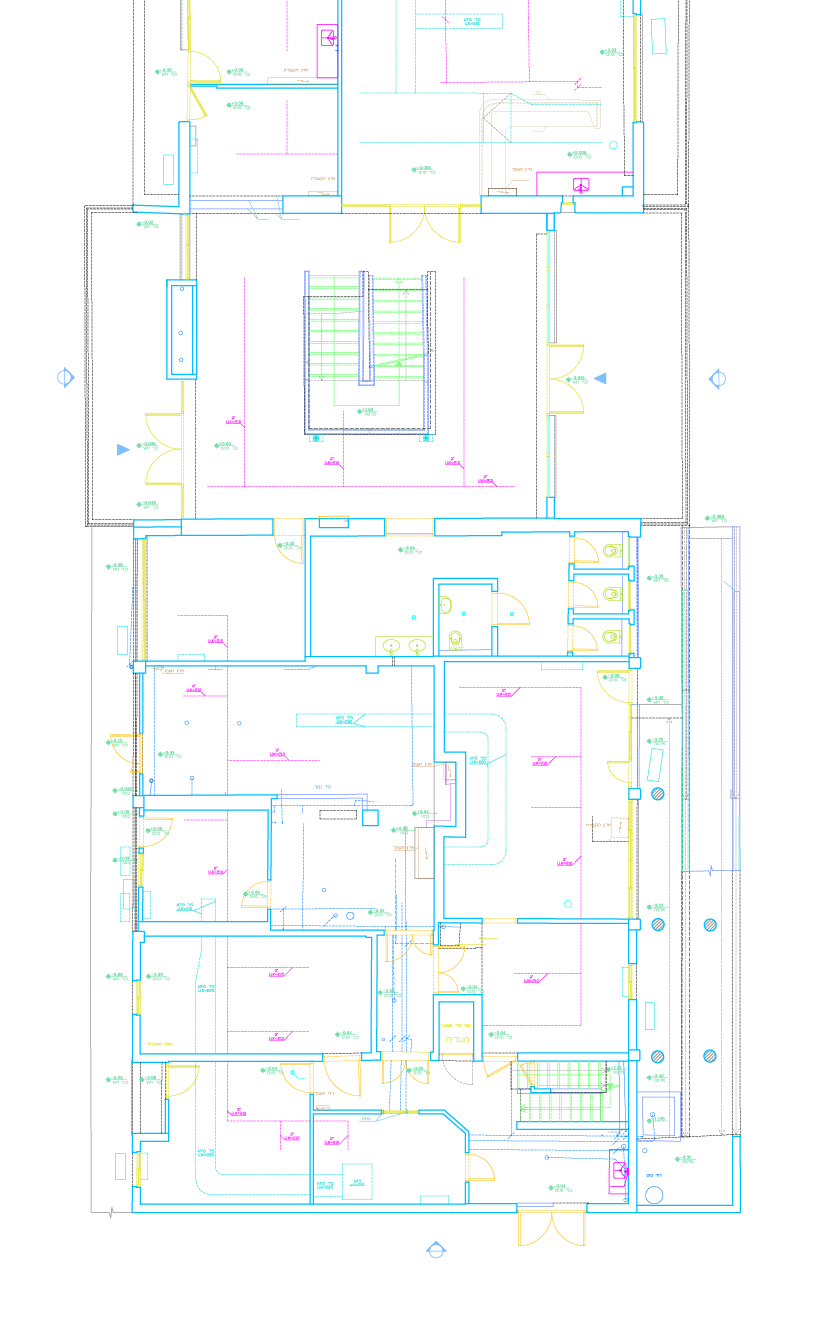
Generate high-accuracy vertical views and building sections directly from 3D data for permit applications.
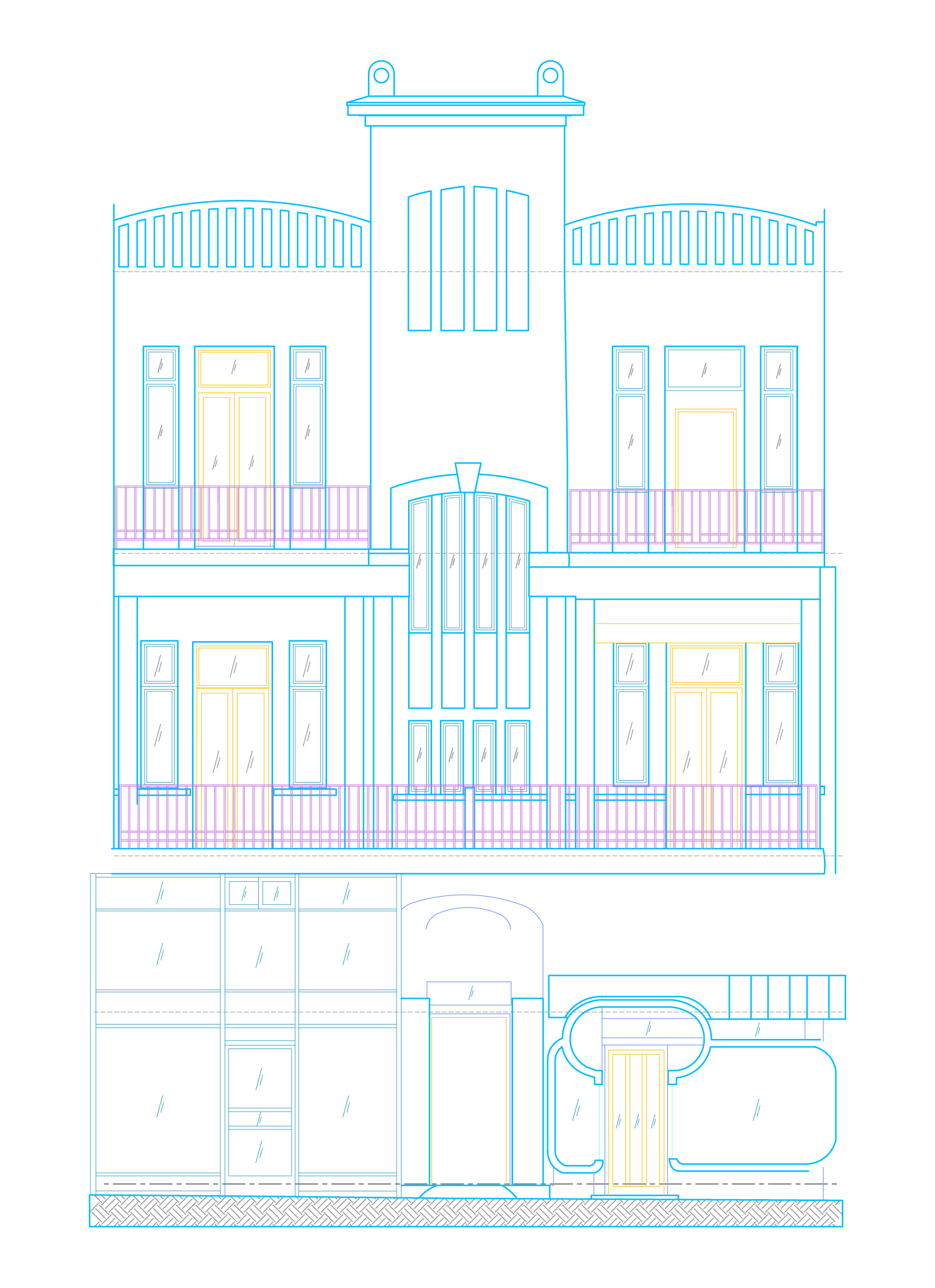
Transform point clouds into detailed 3D BIM models with LOD200 or LOD300.
Convert your point cloud scans into precise 2D CAD drawings and floor plans.
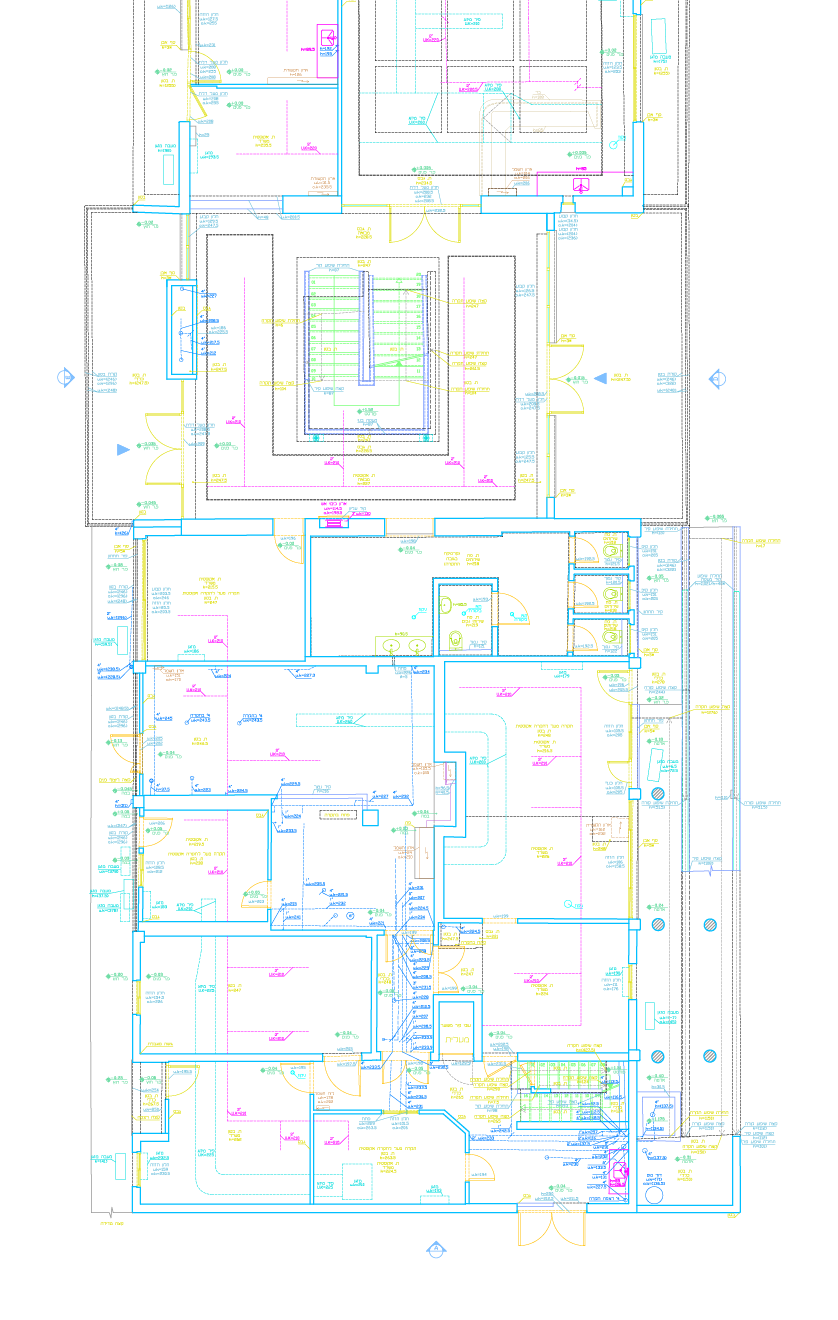
Generate high-accuracy vertical views and building sections directly from 3D data for permit applications.
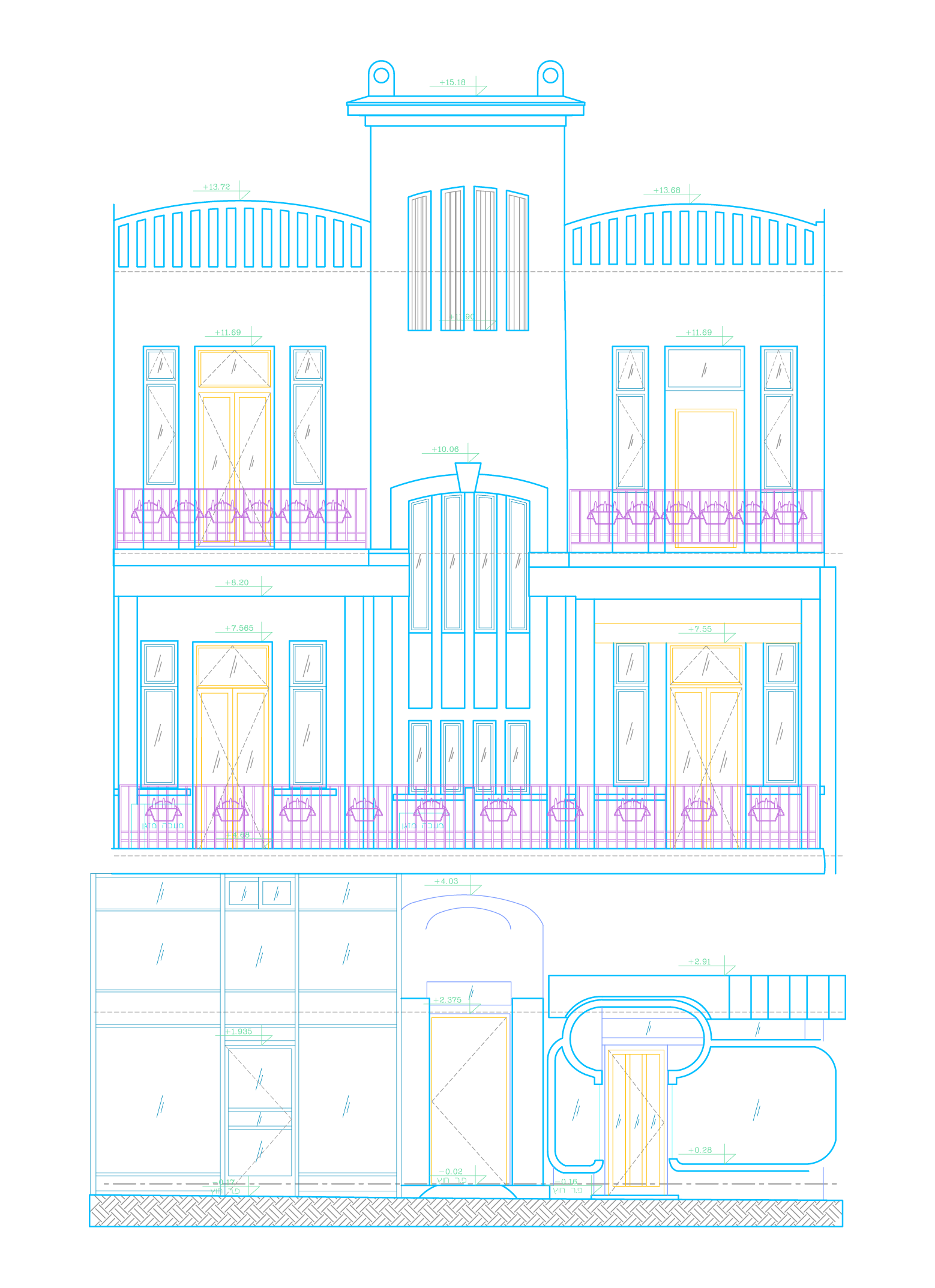
Transform point clouds into detailed 3D BIM models with LOD200 or LOD300.
Convert your point cloud scans into precise 2D CAD drawings and floor plans.
Convert your point cloud scans into precise 2D CAD drawings and floor plans.
Convert your point cloud scans into precise 2D CAD drawings and floor plans.
Generate high-accuracy vertical views and building sections directly from 3D data for permit applications.
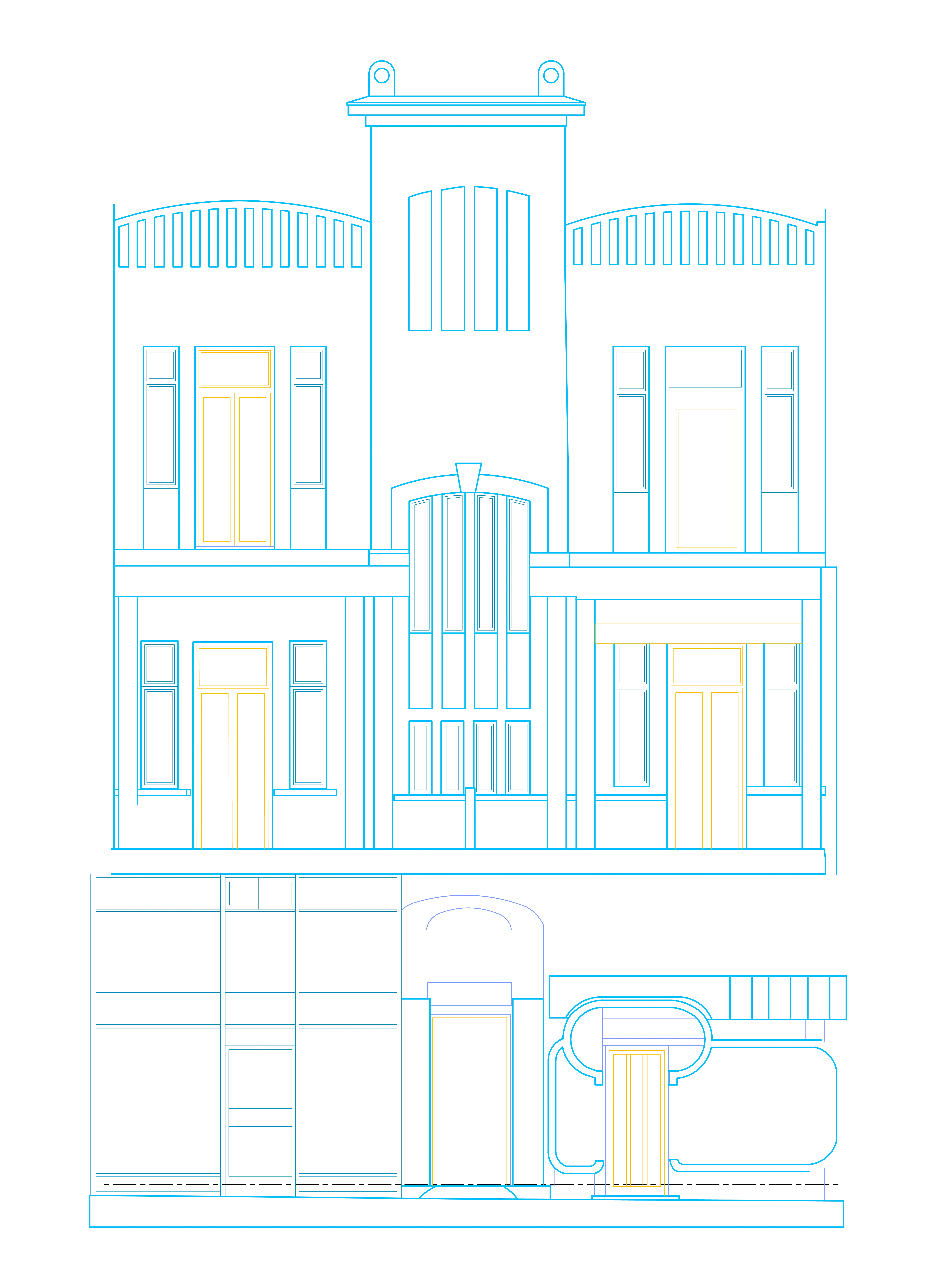
Generate high-accuracy vertical views and building sections directly from 3D data for permit applications.
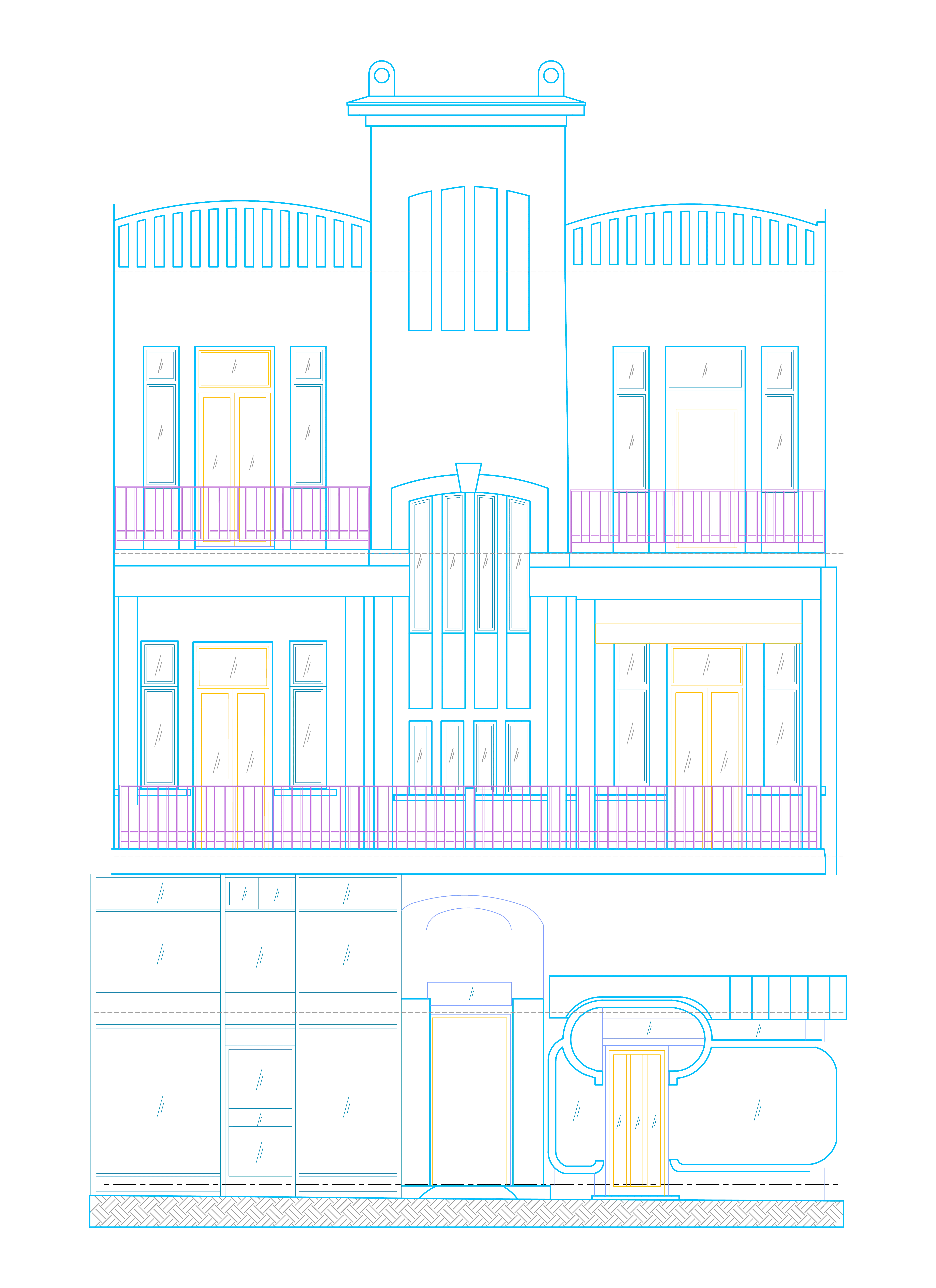
Generate high-accuracy vertical views and building sections directly from 3D data for permit applications.
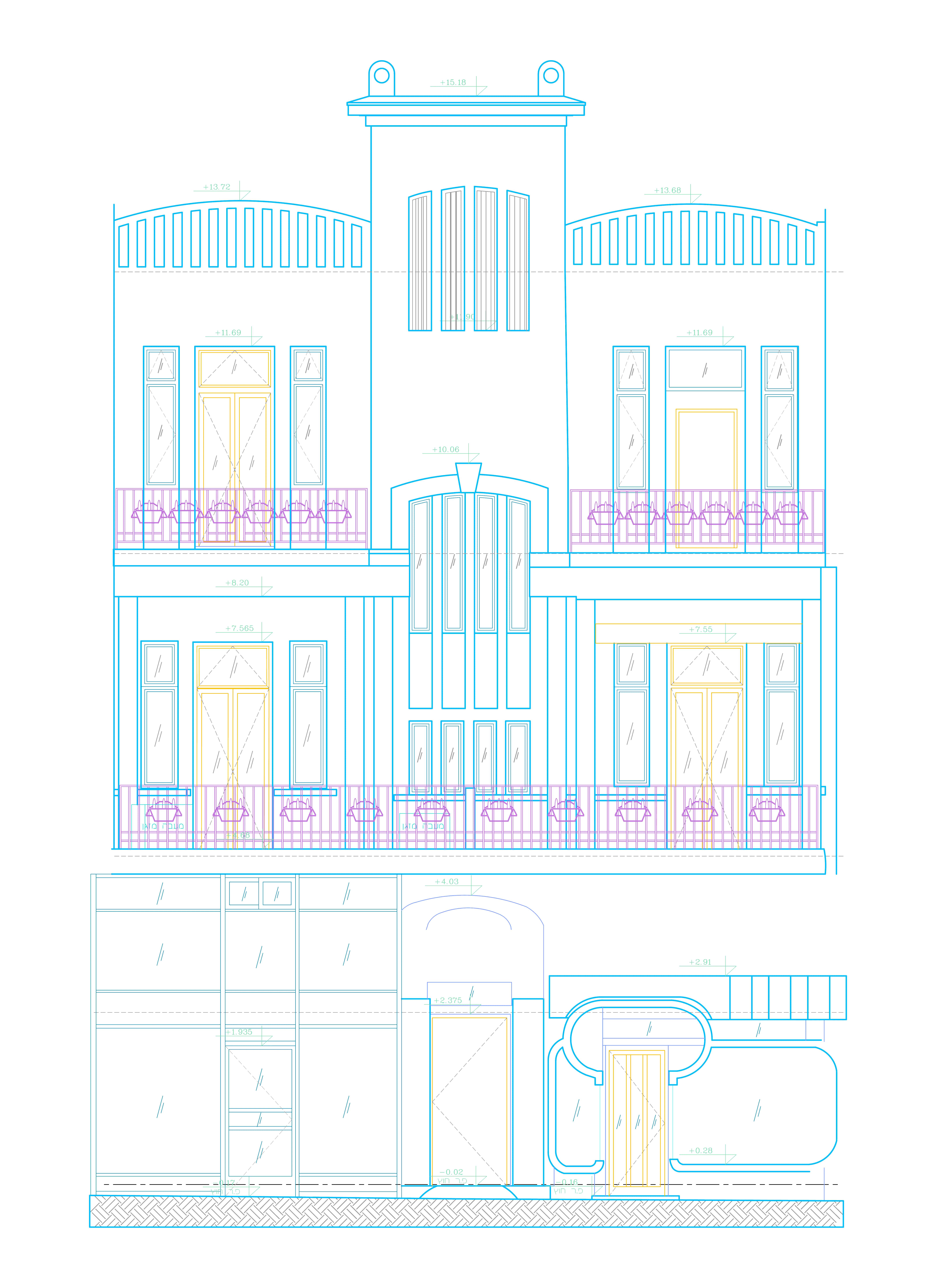
Transform point clouds into detailed 3D BIM models with LOD200 or LOD300.
Generate high-accuracy vertical views and building sections directly from 3D data for permit applications.
Transform point clouds into detailed 3D BIM models with LOD200 or LOD300.
See how it Works
Experience the speed of automated feature
extraction and architectural reconstruction